

I keep my current manuscript in two pink binders. I have a third binder, in which, under tab 5, is all the pages that have been revised out of the current manuscript.
I write like I draw.

I write once, then again, cross out and again. I recopy sentences--pages, so it is clear for all the cross outs because I don't erase, I strike through. I pick the best for the pink binders. All this rearranging--this literal rewriting--is a fruitful process, so much comes out when I put words together outside of my head and then read them back.
And this is all well and good, the romance of ink and paper and red date stamps. When writing by hand, I have a fluency that I do not have as a typist.
But first readers hundreds or thousands of miles away (and manuscript guidelines) preclude the pink binder format. And there is so much to be gained with a word processing program (spell check, copy and paste, find and replace for character names, searchable text.)
As I type my first draft into the computer, revising as I go, I find that I think more, write less and delete my failed attempts. There is no paper trail to look back at. The pages behind tab 5 are about as organized as a pile of leaves. I have spent hours searching for one sentence I thought I remembered writing down, but it was there to be found. This makes me wary of delete.
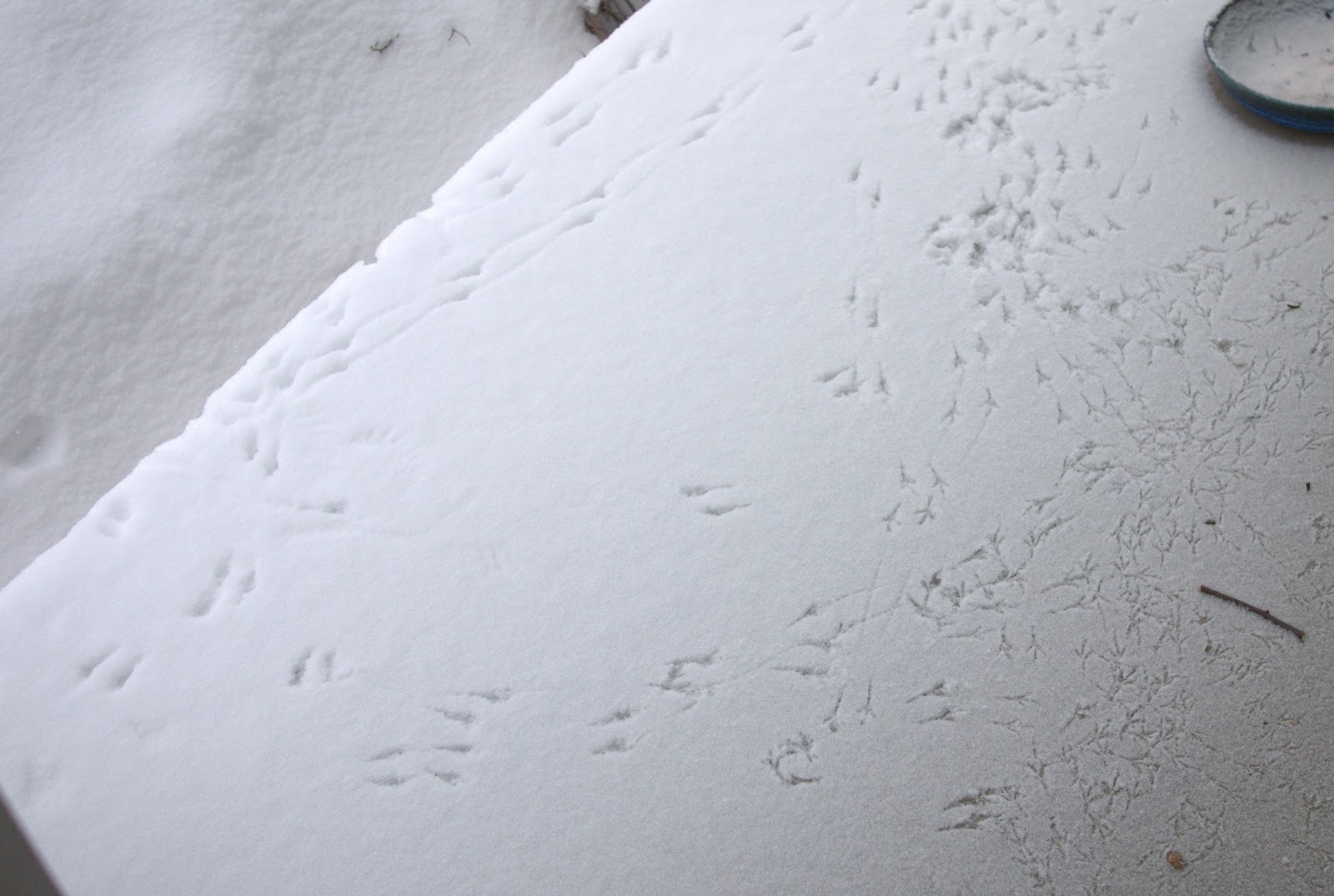
I've thought about saving copies with each change, like photographing the bird tracks before the wind blown snow covers them. I've thought about having a tab 5 file.
But I wonder, how do you manage your electronic manuscript? Especially those of you, who write exclusively on the computer?
